Java 17: the LTS that locked the language down
Java 17 is the long-term support release that most teams upgraded to from Java 8 or 11. Sealed classes, records, text blocks, and switch expressions all became permanent here. Here is what it actually changes, with code you can run, explained so a junior developer or a student can follow along.
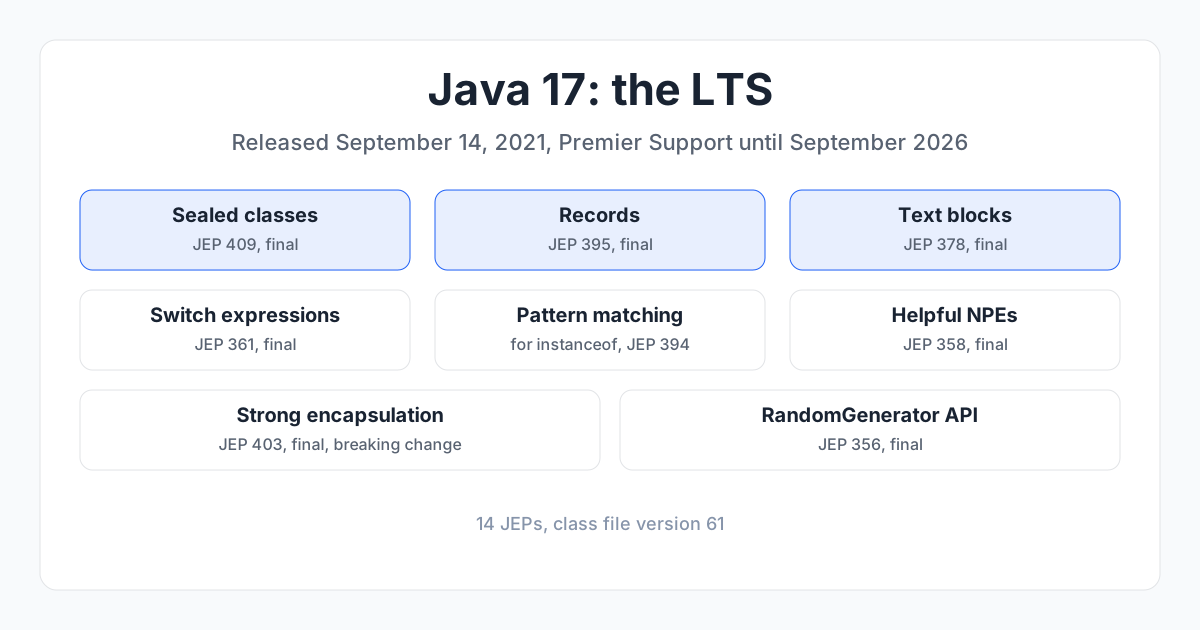
Java 17 is the long-term support release, out September 14, 2021. It is the LTS that most teams upgraded to from Java 8 or 11, and it is the minimum version for Spring Boot 3, Jakarta EE 10, Quarkus 3 and Micronaut 4, which is why it still matters. This post shows what it actually changes, with code you can run. If you are a junior developer or a student, this is written for you.
1. What "LTS" means, and why it matters#
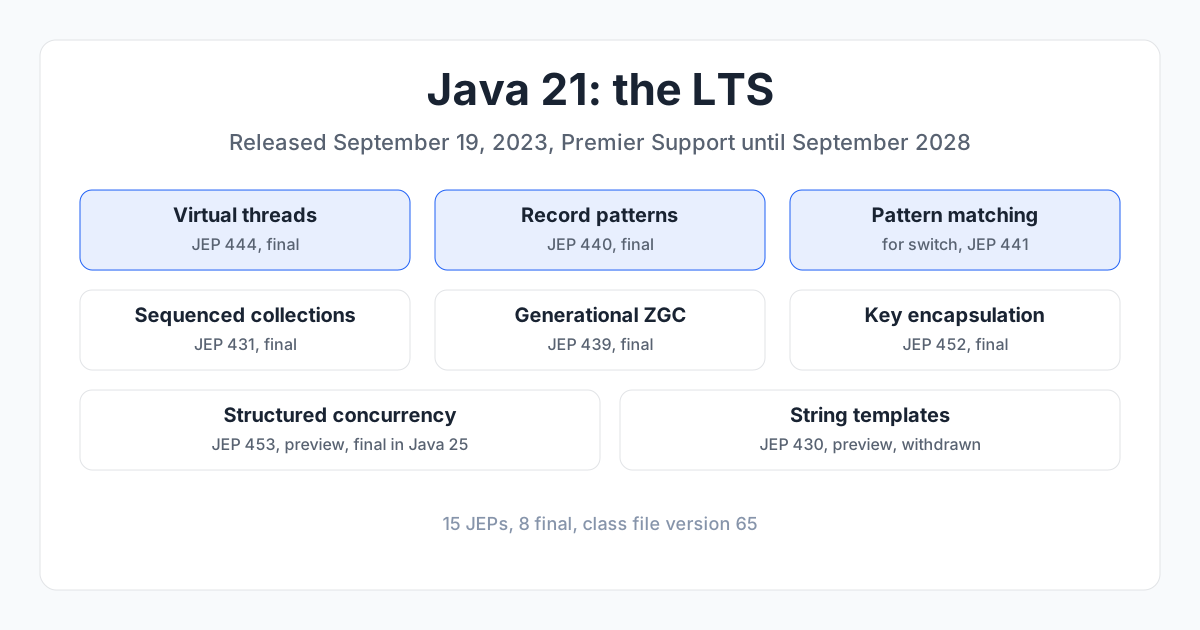
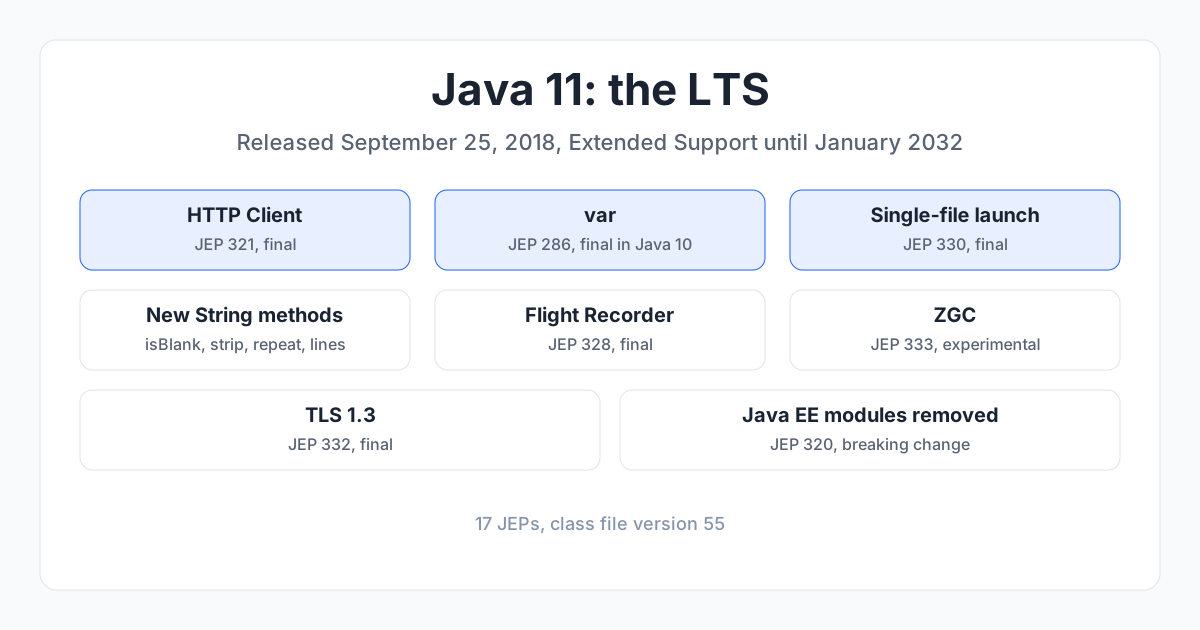
Java ships a new version every six months, but most get only six months of support. Every two years, one version is marked Long-Term Support (LTS) and gets years of security fixes. Java 17 is an LTS, with Premier Support until September 2026. The previous LTS was Java 11 (September 2018); the next is Java 21 (September 2023). Java 18, 19 and 20 are short-term releases. Teams that run production systems pick an LTS and stay on it.
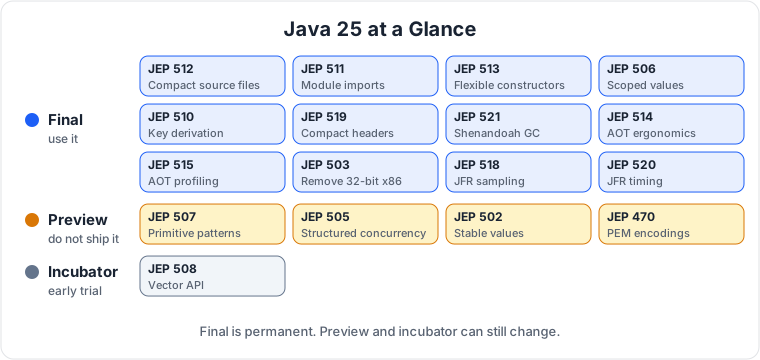
A feature is final when it is permanent and safe to use. A preview feature is runnable but can still change, so do not use it in production. An incubator feature is even earlier. I label every preview and incubator feature below.
2. The big picture#
Java 17 is the release where the language changes from Java 12 to 16 finally become permanent. Records, text blocks, switch expressions, pattern matching for instanceof, and sealed classes all land here as final features. There is no single headline like virtual threads in Java 21. Instead, Java 17 is the version that makes the modern Java language feel finished, and it is the version that locks down the JDK internals, which is the breaking change most teams hit when they upgrade.
3. Sealed classes (JEP 409)#
A sealed class lists exactly which classes are allowed to extend it, so the compiler knows every subtype and a switch over them needs no default.
Before (Java 11):
// Anyone can extend this, so the compiler can never know all the subtypes
public abstract class Shape { }
After (Java 17):
public sealed abstract class Shape permits Circle, Square, Triangle { }
public final class Circle extends Shape { }
public final class Square extends Shape { }
public final class Triangle extends Shape { }
Each permitted subclass must be final, sealed, or non-sealed. The point is control: you decide the family of types, and the compiler enforces it. Pair it with pattern matching for switch (final in Java 21), and the compiler can check that you handled every subtype, so a missing case is a compile error instead of a runtime bug. Use it for domain models where the set of variants is fixed, like a payment that is a card, a bank transfer, or cash.
4. Records (JEP 395)#
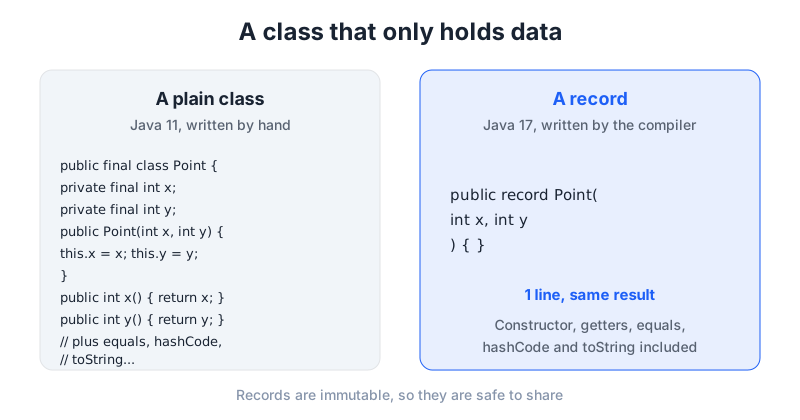
A record is a class that only holds data, and the compiler writes the constructor, getters, equals, hashCode and toString for you.
Before (Java 11):
public final class Point {
    private final int x;
    private final int y;
    public Point(int x, int y) { this.x = x; this.y = y; }
    public int x() { return x; }
    public int y() { return y; }
    // ... plus equals, hashCode, toString
}
After (Java 17):
public record Point(int x, int y) { }
One line replaces the whole class. Records are immutable by design, so they are safe to share between threads and easy to reason about. Use them for data transfer objects, for API responses, for coordinates, for anything that is just a bundle of values. They are the most used new feature in Java 17 code.
5. Text blocks (JEP 378)#
A block of text between triple quotes keeps its line breaks and indentation, so JSON, SQL and HTML stop being a mess of + and \n.
Before (Java 11):
String json = "{\n" +
    "  \"name\": \"Asha\",\n" +
    "  \"age\": 30\n" +
    "}";
After (Java 17):
String json = """
    {
      "name": "Asha",
      "age": 30
    }
    """;
The text block keeps the formatting you type, and the compiler strips the common leading whitespace, so the string does not carry the indentation of your code. Use it for SQL queries, for JSON payloads in tests, for HTML templates, and for any multi-line string. It is a small feature, but it removes a daily annoyance.
6. Switch expressions (JEP 361)#
A switch can return a value like an expression, with arrow cases and no fall through, so you stop writing break after every case.
Before (Java 11):
String dayType;
switch (day) {
    case MONDAY:
    case TUESDAY:
        dayType = "Weekday";
        break;
    case SATURDAY:
    case SUNDAY:
        dayType = "Weekend";
        break;
    default:
        dayType = "Unknown";
}
After (Java 17):
String dayType = switch (day) {
    case MONDAY, TUESDAY -> "Weekday";
    case SATURDAY, SUNDAY -> "Weekend";
    default -> "Unknown";
};
The arrow -> means no fall through, so you cannot forget a break and accidentally run the next case. Multiple labels share one arrow with a comma. The switch returns a value, so you assign it directly. Use it anywhere you have a switch that sets a variable. It is shorter, and it removes a whole class of bugs.
7. Pattern matching for instanceof (JEP 394)#
The instanceof check gives you the cast variable in one step, so you stop writing the check and the cast as two lines.
Before (Java 11):
if (obj instanceof String) {
    String s = (String) obj;
    System.out.println(s.toUpperCase());
}
After (Java 17):
if (obj instanceof String s) {
    System.out.println(s.toUpperCase());
}
The variable s is only in scope where the check passed, so you cannot use it by mistake after the if. Combine it with && to add a condition in the same line:
if (obj instanceof String s && s.length() > 5) {
    System.out.println(s);
}
Use it everywhere you check a type and then cast it. It is the feature that makes the old instanceof plus cast pattern disappear.
8. Helpful NullPointerExceptions (JEP 358)#
When a null crashes your program, the error message now names the variable that was null, instead of just saying NullPointerException. There is no code to write. Compare the messages:
// Before
java.lang.NullPointerException

// After
Cannot invoke "String.length()" because "name" is null
The message tells you which variable was null and what you were trying to do with it. It does not fix the bug, but it cuts the time you spend finding it. This is on by default, and it is one of those small changes you notice the first time it saves you ten minutes of debugging.
9. Strong encapsulation of JDK internals (JEP 403)#
Code can no longer reach into the JDK's own private classes with reflection, so libraries that used sun.misc.Unsafe or sun.* packages break unless they add an --add-opens flag. There is no code example, because this is a breaking change, not a feature to use.
This is the biggest breaking change for teams upgrading from Java 11. If a library you depend on reaches into JDK internals, it fails on Java 17. The fix is usually to update the library, or to add an --add-opens flag for the specific package it needs, for example --add-opens java.base/java.lang=ALL-UNNAMED. Do not open everything, only the package that is actually needed, and treat it as a temporary workaround until the library is fixed.
10. New RandomGenerator API (JEP 356)#
One interface for every random number algorithm, so you pick an algorithm by name instead of guessing which Random class to use.
Before (Java 11):
Random random = new Random();
int n = random.nextInt(100);
After (Java 17):
RandomGenerator random = RandomGeneratorFactory.of("L64X128MixRandom").create();
int n = random.nextInt(100);
The factory lets you choose an algorithm by name, and you can list the available ones. Use it when you need a specific random algorithm, for simulations or for tests that need reproducible numbers. For everyday use, Random still works fine.
11. Pattern matching for switch (JEP 406, preview)#
This one is a preview in Java 17, so it needs --enable-preview and the compiler refuses it otherwise. It became final in Java 21 (JEP 441). I mention it here because it is the feature that ties sealed classes together, but do not use it in production on Java 17. Read the Java 21 post for the final version.
12. What Java 17 picks up from 12 to 16#
Most of Java 17 is the moment features from the short-term releases become permanent. Switch expressions previewed in Java 12 and 13, final in 14. Text blocks previewed in Java 13 and 14, final in 15. Records previewed in Java 14 and 15, final in 16. Pattern matching for instanceof previewed in Java 14 and 15, final in 16. Helpful NullPointerExceptions final in 14. Sealed classes previewed in Java 15 and 16, final in 17. ZGC was experimental in Java 11 and final in 15. Shenandoah was experimental in Java 12 and final in 15.
New in Java 17 itself: sealed classes final, strong encapsulation of JDK internals, the new RandomGenerator API, the macOS/AArch64 port, and pattern matching for switch as a preview.
13. Should you upgrade#
If you are on Java 11, yes. Java 17 is the LTS, it is supported until September 2026, and records, text blocks, and switch expressions alone are worth the move. If you are on Java 8, the jump is bigger, and the Java 11 post in this series covers the steps in between. The main thing to check before you upgrade is whether any library you use reaches into JDK internals, because that is what breaks.
The next post in this series is Java 11, the LTS that made teams leave Java 8. Read the Java 21 post for the next LTS after this one, and the Java 25 post for the newest LTS.
14. The series#
- Java 8: the release that changed Java forever
- Java 11: the LTS that made teams leave Java 8
- Java 17: sealed classes, records, and text blocks (this post)
- Java 21: the LTS that made threads cheap
- Java 25: the new LTS, explained for everyone

Principal Engineer, Payments & Fraud Platforms at US Mobile, in New York, USA. I write about the systems I run: fraud decisioning, payment platforms, edge security, and production AI.