Java 8: the release that changed Java forever
Java 8 is the release that changed Java more than any other. Lambdas, streams, Optional, and a new date and time API all arrive here, and every later version builds on them. Here is what it actually changes, with code you can run, explained so a junior developer or a student can follow along.
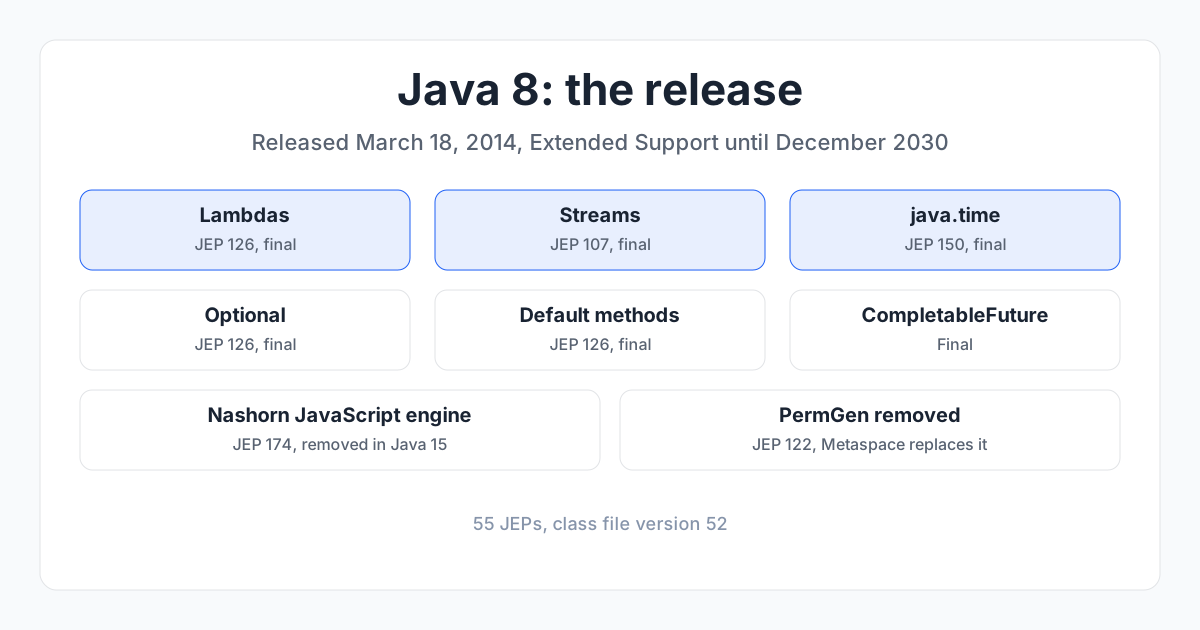
Java 8 is the long-term support release, out March 18, 2014. It is the release that changed Java more than any other. Before Java 8, Java code was verbose: a loop to filter a list, an anonymous inner class to sort it, java.util.Date to tell the time. After Java 8, you write a lambda, a stream, and LocalDate. Every later version of Java builds on what Java 8 started. This post shows what it actually changes, with code you can run. If you are a junior developer or a student, this is written for you.
1. What "LTS" means, and why it matters#
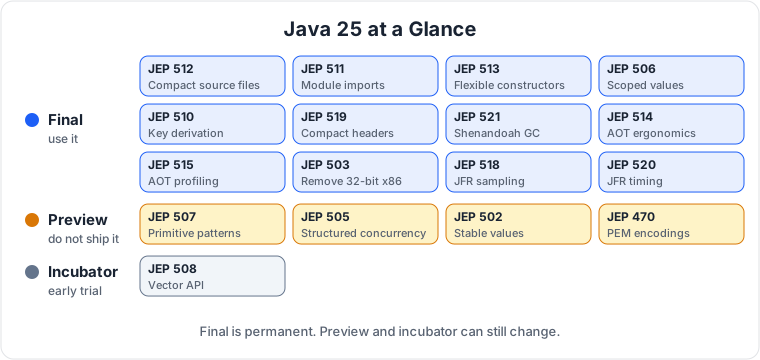
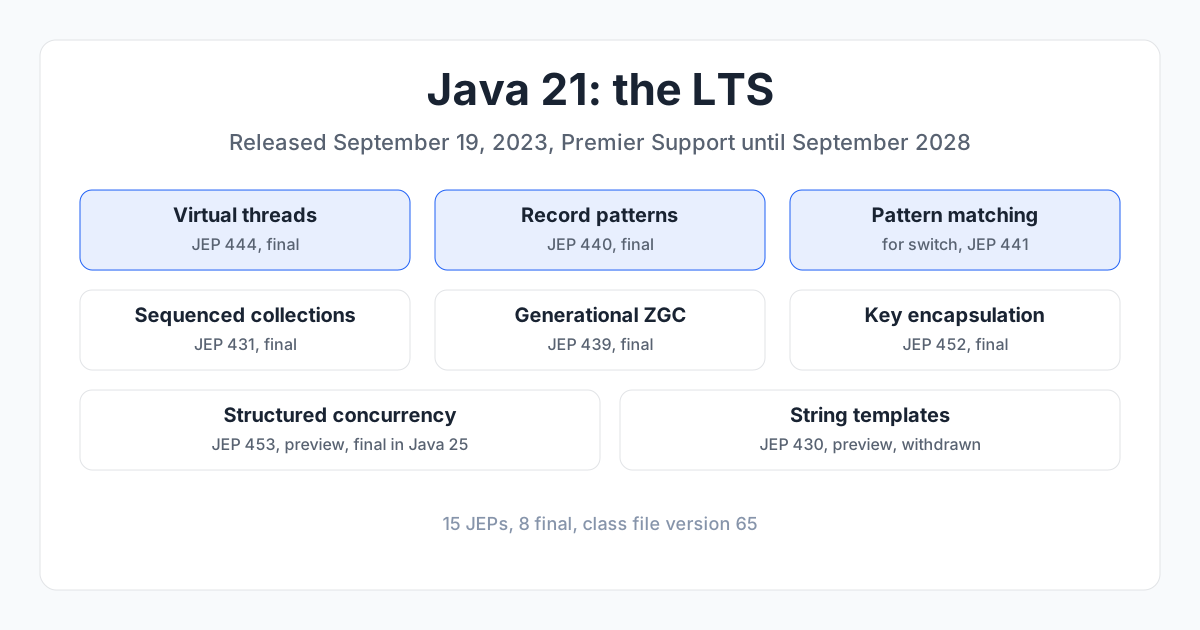
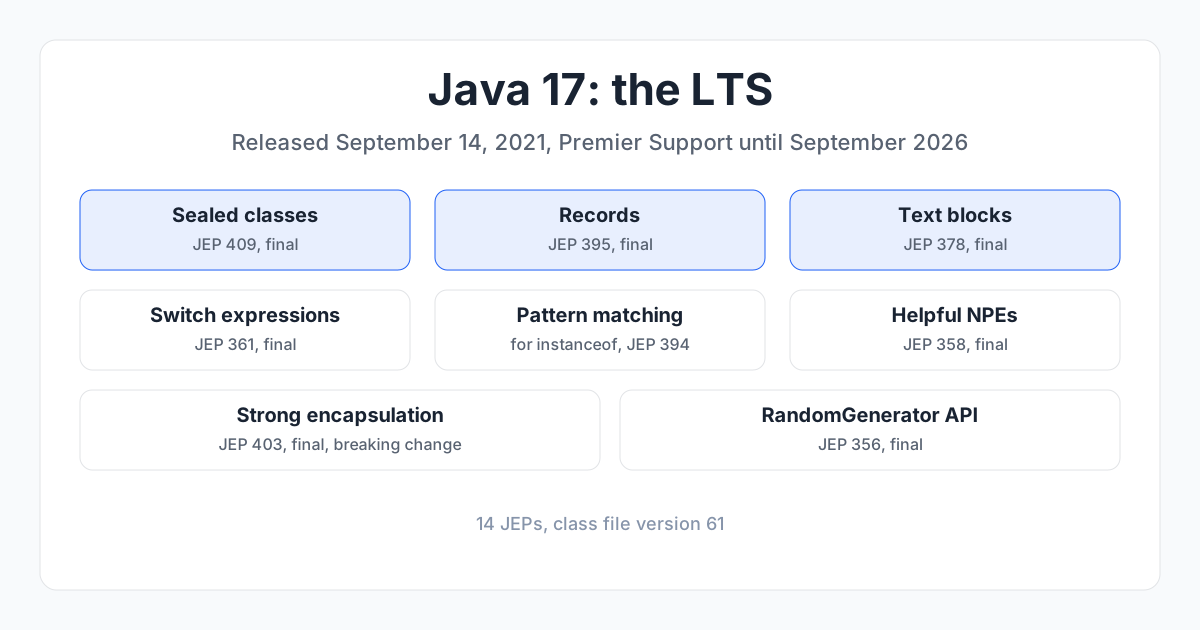
Java ships a new version every six months, but most get only six months of support. Every two years, one version is marked Long-Term Support (LTS) and gets years of security fixes. Java 8 is an LTS, with Extended Support until December 2030. The next LTS is Java 11 (September 2018). Java 9 and 10 are short-term releases. Teams that run production systems pick an LTS and stay on it.
A feature is final when it is permanent and safe to use. A preview feature is runnable but can still change, so do not use it in production. An incubator feature is even earlier. I label every preview and incubator feature below.
2. The big picture#
Java 8 is a different language from Java 7 in the way you write everyday code. The three big ideas are lambdas (small functions you pass around), streams (a way to process a collection in a pipeline), and the new date and time API (which replaces the broken Date and Calendar classes). If you learn one release of Java, learn this one, because everything after it assumes you already know it.
3. Lambdas (JEP 126)#
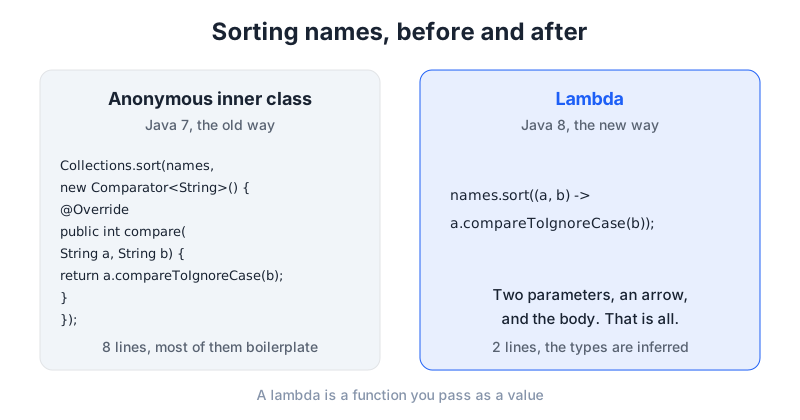
A lambda is a small function you can pass as a value, so you stop writing an anonymous inner class every time you need a one line function.
Before (Java 7):
Collections.sort(names, new Comparator<String>() {
    @Override
    public int compare(String a, String b) {
        return a.compareToIgnoreCase(b);
    }
});
After (Java 8):
names.sort((a, b) -> a.compareToIgnoreCase(b));
The (a, b) -> ... part is the lambda: two parameters, then an arrow, then the body. The compiler works out the types from the context, so you do not write them. Use a lambda anywhere you would have written a single method interface before: sorting, filtering, running a task on a thread, handling a button click. A lambda is not a new concept, it is a shorter way to write a function that was already there.
4. Streams (JEP 107)#
A stream is a pipeline for processing a collection: filter, transform, then collect. It replaces loops that are only there to do the same three steps.
Before (Java 7):
List<String> longNames = new ArrayList<String>();
for (String name : names) {
    if (name.length() > 5) {
        longNames.add(name.toUpperCase());
    }
}
After (Java 8):
List<String> longNames = names.stream()
    .filter(name -> name.length() > 5)
    .map(String::toUpperCase)
    .collect(Collectors.toList());
Read it left to right: take the names, keep the ones longer than five characters, turn each one uppercase, collect the results into a list. The String::toUpperCase part is a method reference, a shorter way to write a lambda that only calls one method. Note that Stream.toList() came in Java 16; in Java 8 you use .collect(Collectors.toList()). Use streams when you are filtering, mapping, or reducing a collection, and use a plain loop when the logic is too tangled for a pipeline.
5. Optional (JEP 126)#
Optional is a box that either holds a value or is empty, so a missing value is visible in the type instead of hiding as a null that crashes your program later.
Before (Java 7):
String city = user.getCity();
if (city != null) {
    System.out.println(city.toUpperCase());
}
After (Java 8):
user.getCity()
    .map(String::toUpperCase)
    .ifPresent(System.out::println);
Use Optional as a return type when a method might not have a result, so the caller has to deal with the empty case. Do not use it for fields or method parameters; that is not what it is for.
6. Default methods (JEP 126)#
An interface can now carry a method with a body, so a library can add a new method to an interface without breaking every class that implements it.
interface Greeter {
    default String greet(String name) {
        return "Hello, " + name;
    }
}
A class that implements Greeter gets greet for free, and it can override it if it wants a different greeting. This is the feature that let the Java team add streams to Collection without breaking every List implementation in the world. Use default methods when you are adding a method to an interface that already has implementations you cannot change.
7. The new date and time API (JEP 150)#
java.time replaces Date and Calendar, which were mutable, confusing, and not thread safe. The new classes are immutable and read like English.
Before (Java 7):
Date date = new Date(114, 2, 18); // year 2014, month 2 (0-based!)
SimpleDateFormat format = new SimpleDateFormat("yyyy-MM-dd");
String text = format.format(date);
After (Java 8):
LocalDate date = LocalDate.of(2014, 3, 18);
String text = date.toString(); // "2014-03-18"
LocalDate nextWeek = date.plusWeeks(1);
LocalDate is a date with no time zone. LocalTime is a time of day. LocalDateTime is both. ZonedDateTime adds a time zone. Period is a span of years, months, and days; Duration is a span of seconds. Months are 1 to 12, not 0 to 11, so March is 3, not 2. Use java.time for all new date and time code, and stop using Date and Calendar entirely.
8. CompletableFuture#
A way to run work in the background and combine the results without blocking a thread while you wait.
CompletableFuture<String> future = CompletableFuture
    .supplyAsync(() -> fetchUser("ana"))
    .thenApply(user -> user.getName())
    .thenApply(name -> "Hello, " + name);
String greeting = future.join();
supplyAsync runs the work on another thread. thenApply runs the next step when the first one finishes. join waits for the result. Use it when you need to do two slow things at once, like calling two services and combining the answers, instead of waiting for one and then the other.
9. Nashorn, the JavaScript engine (JEP 174)#
Java 8 ships Nashorn, a JavaScript engine built into the JDK, so you can run JavaScript from Java code.
ScriptEngine engine = new ScriptEngineManager().getEngineByName("nashorn");
engine.eval("print('Hello from JavaScript')");
Nashorn was deprecated in Java 11 and removed in Java 15, so do not start new work on it today. It belongs in this post because it was a headline feature of Java 8, and because it is a good example of how a feature can arrive, be superseded, and leave.
10. PermGen is gone, Metaspace takes its place (JEP 122)#
The permanent generation, the area of memory that held class metadata, is removed. Class metadata now lives in native memory, in an area called Metaspace. There is no code to write. The practical effect is that the OutOfMemoryError: PermGen space crash that haunted Java 7 applications is gone, and you no longer tune -XX:PermSize or -XX:MaxPermSize; those flags are ignored in Java 8.
11. What Java 8 picks up from 7#
Java 8 also picks up the features of Java 7 that are still current: the diamond operator, try-with-resources, strings in switch statements, and the java.nio.file API. It also picks up the fork/join framework from Java 7, which is what streams use under the hood for parallel processing.
New in Java 8 itself: lambdas, streams, Optional, default methods, the java.time API, CompletableFuture, Nashorn, Metaspace, and the removal of PermGen.
12. Should you upgrade#
If you are still on Java 7 or earlier, yes, and this is the version to move to. Java 8 is the LTS, it is supported until December 2030, and lambdas, streams, and java.time change how you write Java every day. The main thing to check before you upgrade is that your code does not rely on PermGen tuning flags, and that you are ready to replace Date and Calendar with java.time.
The next post in this series is Java 11, the LTS that made teams leave Java 8. Read the Java 17 post for the LTS after that, and the Java 25 post for the newest LTS.
13. The series#
- Java 8: lambdas, streams, and the date API that everything else builds on (this post)
- Java 11: the LTS that made teams leave Java 8
- Java 17: the LTS that locked the language down
- Java 21: the LTS that made threads cheap
- Java 25: the new LTS, explained for everyone

Principal Engineer, Payments & Fraud Platforms at US Mobile, in New York, USA. I write about the systems I run: fraud decisioning, payment platforms, edge security, and production AI.